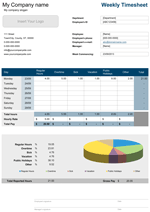
Payroll Calculator: 2026 Employee Payroll Template for Excel
The Comprehensive Federal and State Tax Solution for Small Business | Updated:UPDATE: The Payroll Calculator and Payroll Calculator Pro 2026 updates contain the new 2026 Federal Tax Tables and the updated Social Security Tax Cap of $11,439 (6.2% of the $184,500 wage base). Payroll Calculator Pro and all bonus files are updated with functional reporting features for creating periodic IRS Reports and Employee Tax Summary Reports. The new Beta Payroll Calculator v2.0.3, included as a bonus download, provides a degree of automation through a macro-enabled "Payroll Calculator" (PC) that allows you to automate your YTD archiving and PDF paystub generation in Microsoft Excel 2010 or newer.
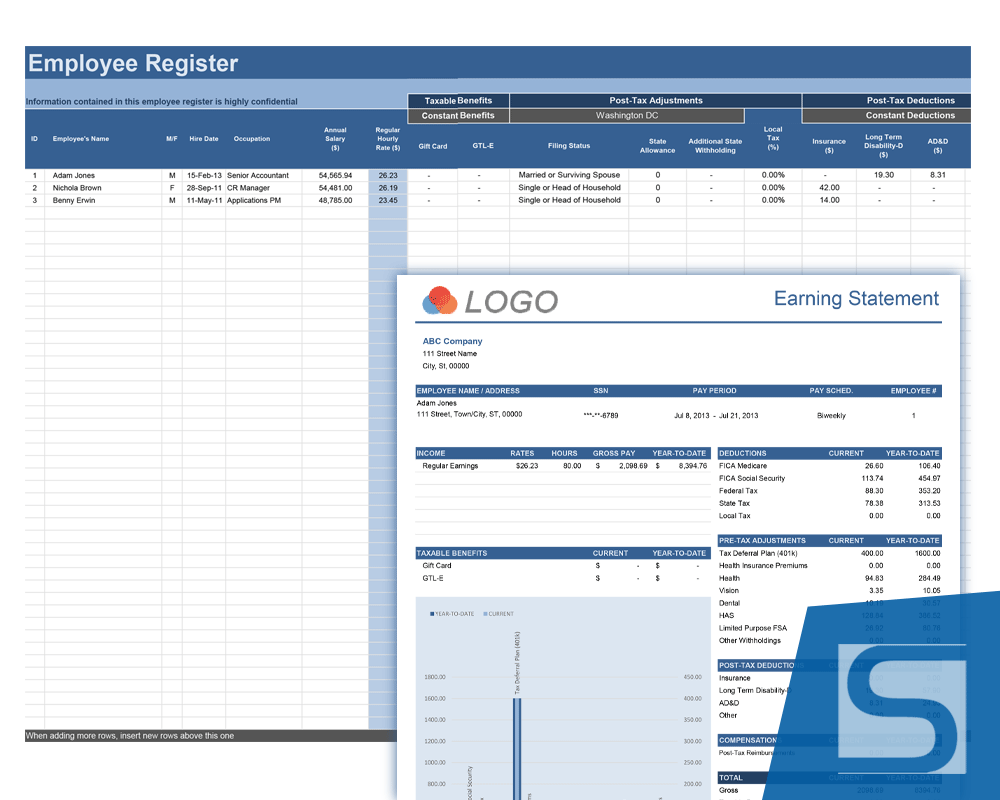
Managing payroll is a critical responsibility for any small business owner, yet it is often the most complex. Staying compliant with the 2026 Federal Tax Tables and accurately calculating local withholdings requires precision. Our Excel Payroll Calculator provides a secure, local alternative to expensive cloud subscriptions, helping you calculate pay and deductions while keeping a confidential Employee Register for up to 50 employees.
This 2026 update is our most robust yet, featuring the new Social Security Tax Cap of $11,439 based on the updated $184,500 wage base. Whether you are hiring your first employee or managing an established team, our templates provide a structured environment to track Regular, Holiday, Vacation, and Overtime hours. By centralizing your data in our register, you ensure every paystub is consistent, professional, and compliant with current IRS percentage method tables.
Payroll Calculator
for Excel® 2007+ & OpenOffice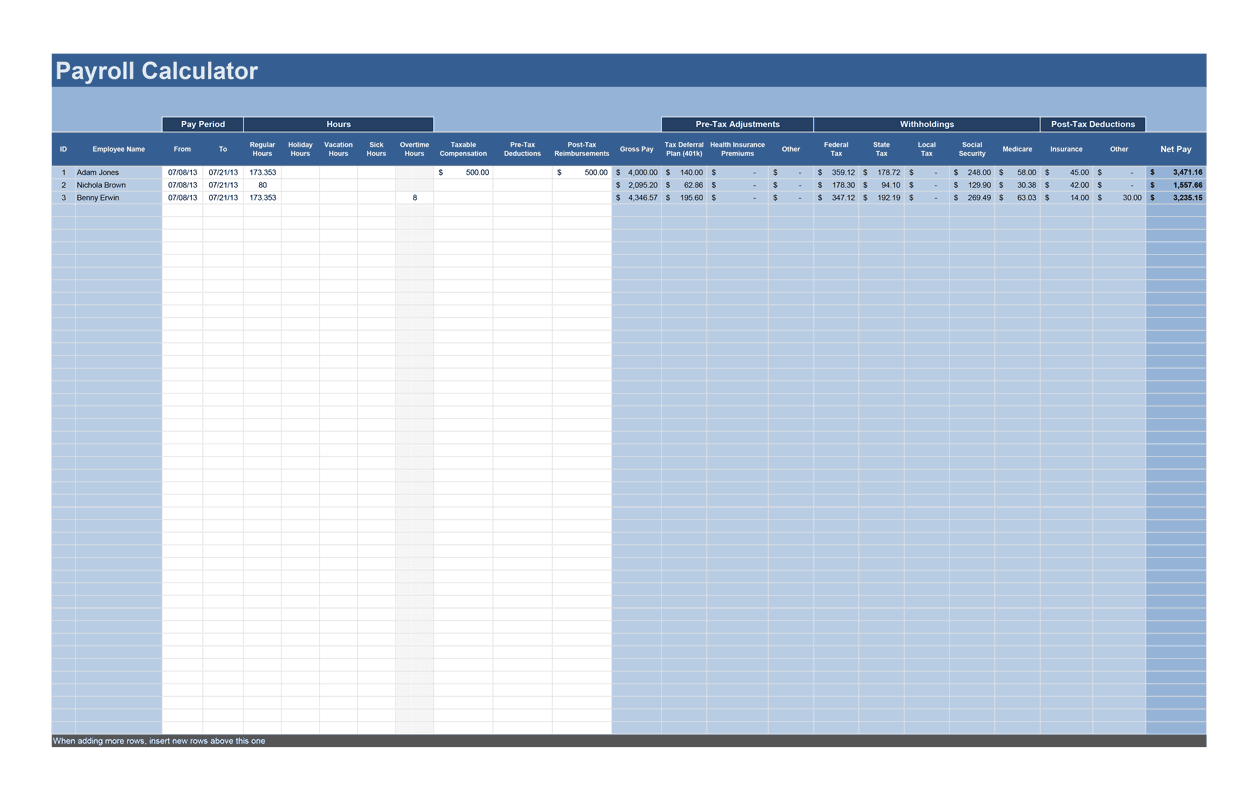
File: XLSX
File: OTS
2.3.2
Microsoft Excel® 2007 or Higher (PC & Mac)
Not Used
Not Required
Alex Bejanishvili of Spreadsheet123.com
User License Agreement
Contact Us
Spreadsheet123 LTD makes no representations or guarantee about the accuracy of content, fitness for a purpose or completeness of this template.
Spreadsheet123 LTD reserves the right to make changes to this software without notification.
Spreadsheet123 LTD strongly recommends to seek the advice of qualified professionals regarding making any financial or legal decisions.
Getting Started with the Free Payroll Calculator
The free version is an ideal "Starter" tool for teams of up to 5 employees. It provides a functional environment to calculate net pay using the 2026 Federal Tax Tables.
How to Use the Free Version:
- Set Up the Register: Enter employee names and 2026 W-4 filing statuses. Note that the free version is designed for Federal calculations; state taxes must be entered manually.
- Enter Hours: Input worked hours into the Payroll Calculator tab. The sheet instantly calculates Gross Pay and Federal Withholding.
- Review the Paystub: View the generated earnings statement to see the breakdown of the current period payout.
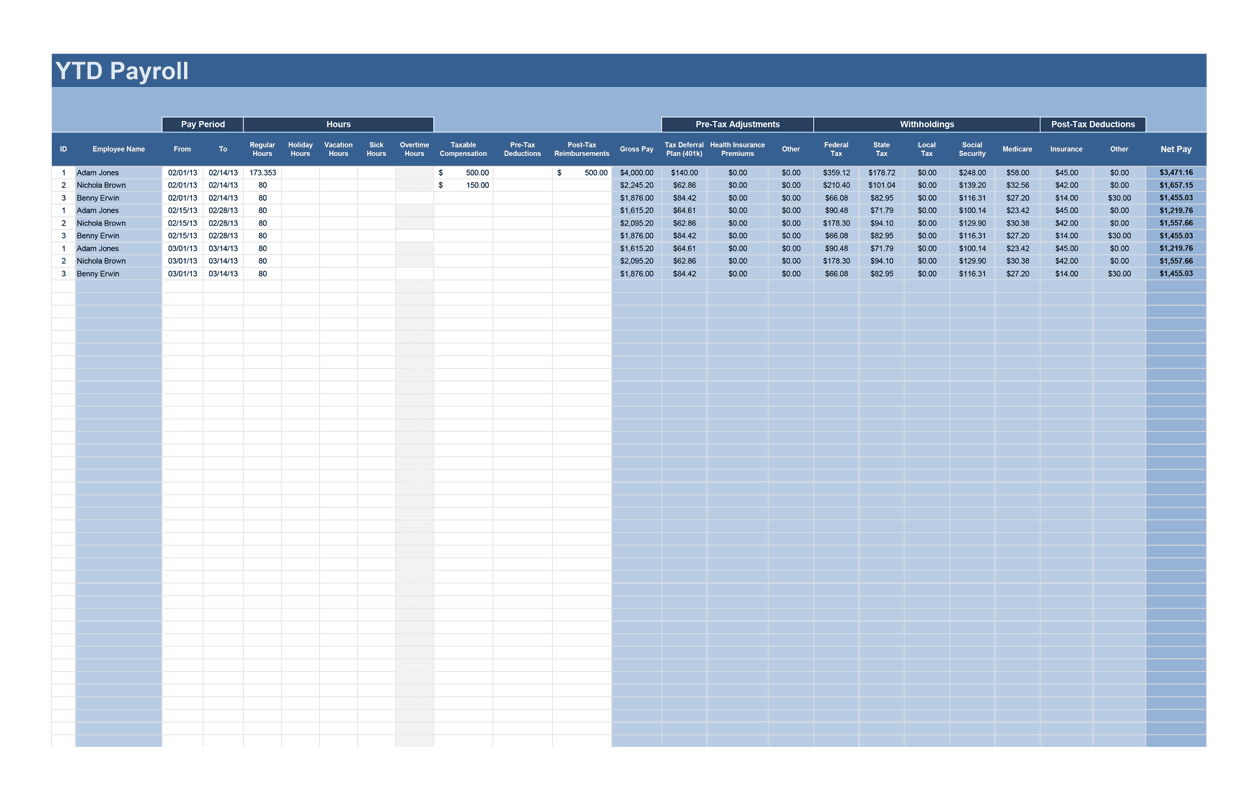
- Manual YTD Logging: To maintain history, you must manually copy your period totals into the YTD tab to build your records for the year.
Payroll Calculator Pro
Professional 2.3.2
.ZIP
Microsoft Excel® 2007 or Higher (PC & Mac)
Not Used
Not Required
via Email 24x7
Visit Support Page
- Supports up to 50 Employees.
- The Pro version offers fully unlocked formulas, functional reporting, and expanded capacity for growing businesses.
- Technical Support (for 90 days)
Exclusive Pro Bundle: Automation, State Compliance, and Scheduling Bonuses
Your Pro purchase includes access to these 9 dedicated bonus downloads, providing targeted compliance and enhanced automation for your business:

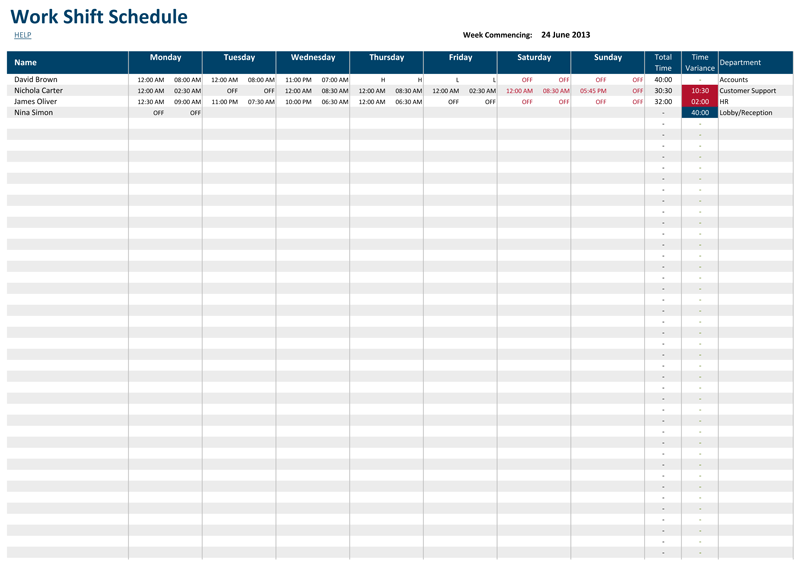
Work Shift Schedule Pro
A professional management tool that helps you create employee shift schedules, print professional timecards, and accurately calculate your total payroll budget.
Read More

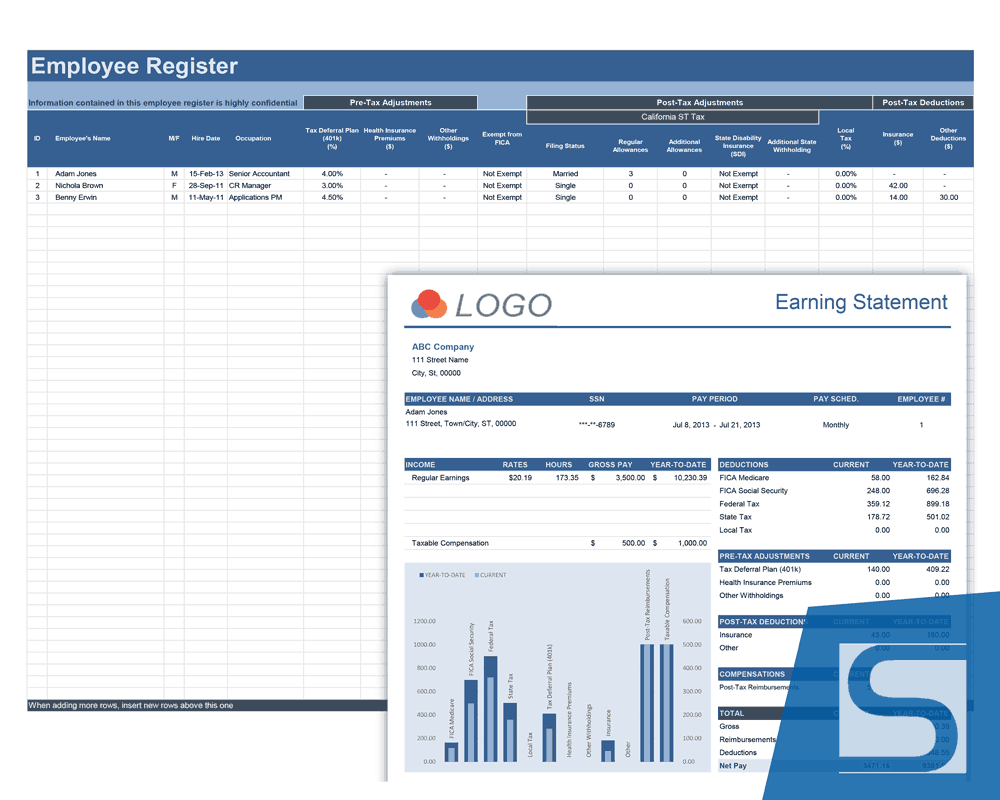
Payroll Calculator for California (CA) Pro
Specially designed for CA compliance, featuring the latest 2026 state tax tables, mandatory SDI calculations, and CalSavers retirement program logic.
View Screenshot
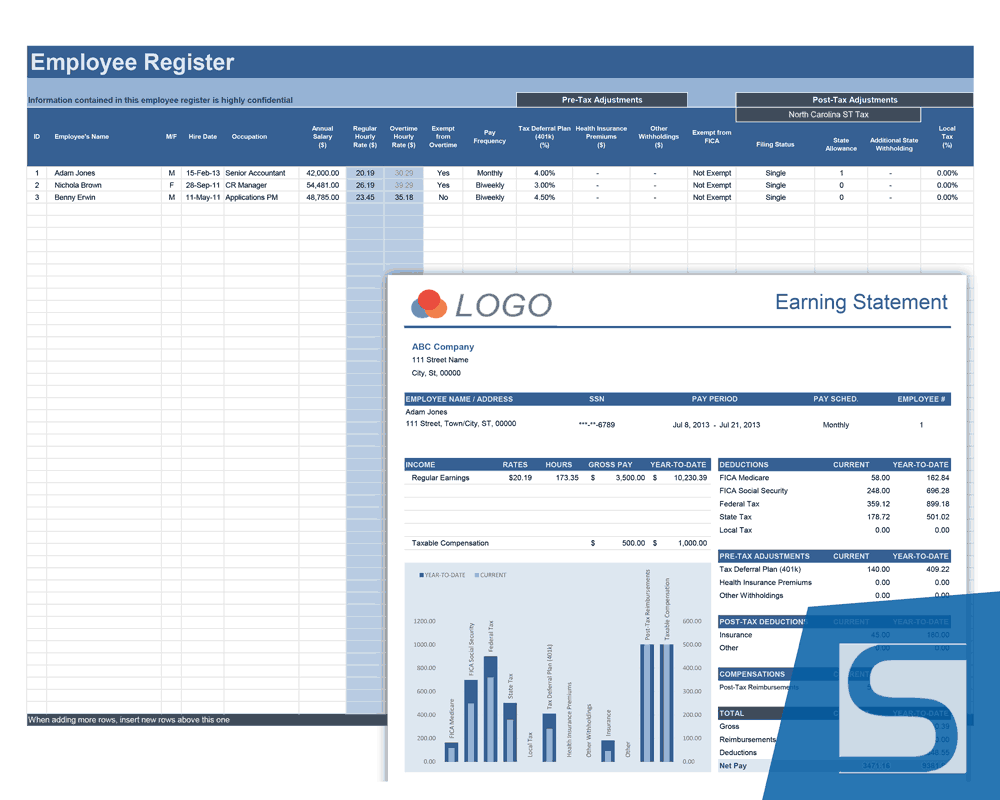
Payroll Calculator for North Carolina (NC) Pro
A comprehensive solution featuring pre-loaded 2026 NC state tables and a professional paystub format adjusted for North Carolina reporting.
View Screenshot
Payroll Calculator for Kansas (KS) Pro
Streamlines Kansas state withholdings with pre-loaded 2026 tax tables and automated mapping for married, single, and head of household allowances.
View Screenshot
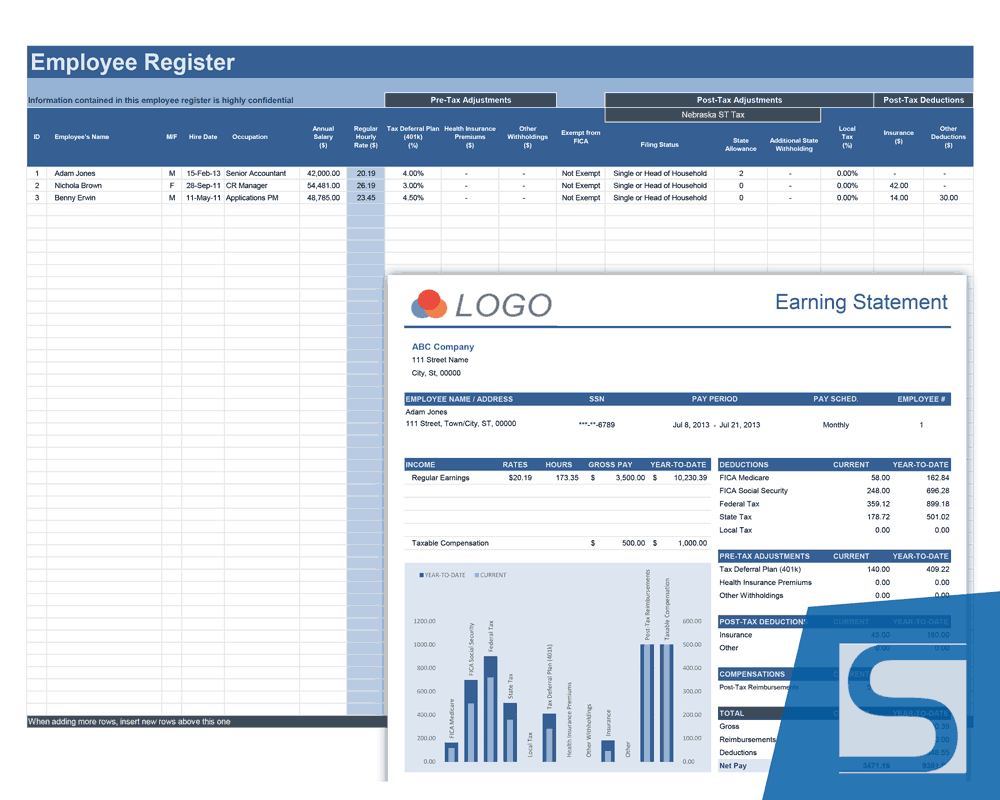
Payroll Calculator for Nebraska (NE) Pro
Fully updated for 2026 with Circular EN compliance, featuring dedicated Nebraska tax tables and customized paystub formats.
View Screenshot
Payroll Calculator for Kentucky (KY) Pro
Features updated 2026 Kentucky tax tables, incorporating the state’s flat tax rate and specific standard deduction adjustments.
View Screenshot
Payroll Calculator Beta v2.0.3 (Automation)
Our most advanced version, featuring the Payroll Center (PC) dashboard for automated archiving to YTD and one-click "Save & Print" functionality.
View Screenshot
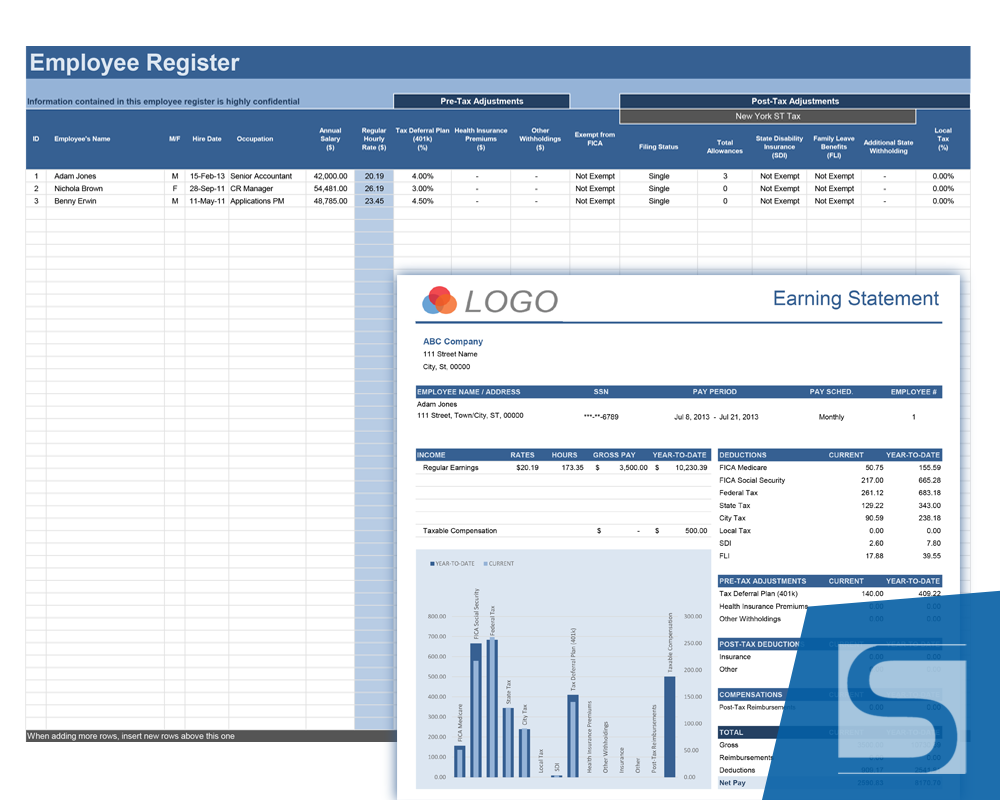
Payroll Calculator for New York (NY) Pro
Simplifies complex NY filings with built-in support for NYC and Yonkers local taxes, SDI, and Family Leave Insurance (FLI) tracking.
View Screenshot
Payroll Calculator for District of Columbia (DC) Pro
Tailored for the capital’s unique tax requirements, including specialized GTL-E benefit tracking and 2026 DC-specific allowance logic.
View ScreenshotAdvanced Reporting: Employee and IRS Tax Summaries
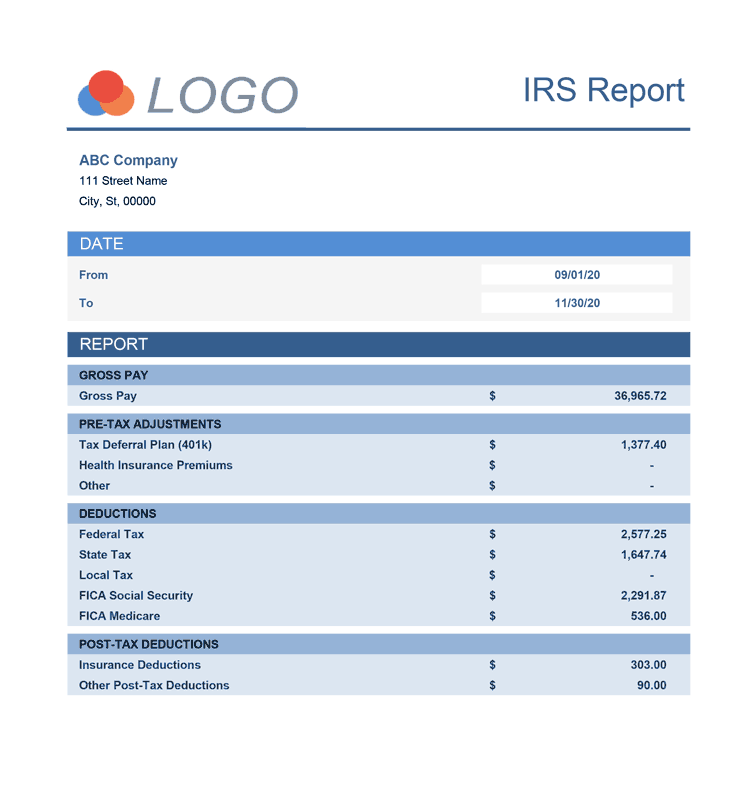
The Pro Suite allows you to generate functional, printable reports that simplify your end-of-year tasks.
- Employee Tax Report: Select an ID to generate a comprehensive summary of an individual's yearly earnings and withholdings.
- IRS Report: Aggregates company-wide totals (Social Security, Medicare, Federal Tax) for specific periods to assist with government filings.
- Printing & Export: Both reports are formatted for standard paper and can be saved as PDFs for digital record-keeping.
Step-by-Step Guide: Managing Your Professional Payroll Workflow
Follow this detailed workflow to ensure your data remains accurate throughout the year.
Step 1: The Employee Register Input fixed data: ID numbers, names, and W-4 parameters. Pay close attention to FICA Status and Filing Status, as these drive the tax logic.
Step 2: Running a Payroll Period Navigate to the Payroll Calculator tab. If using the ST (Time Format) version, you can enter hours as HH:MM (e.g., 07:45). The spreadsheet calculates the Adjusted Wage Amount after subtracting pre-tax items like Health Insurance.
Step 3: Generating Paystubs Select the employee name from the drop-down on the Pay Stubs tab. The stub populates with current period data and accumulated YTD totals.
Step 4: Archiving to YTD (Year-to-Date) The Beta v2.0.3 version offers two archiving methods:
- Macro-Enabled (Automated): Clicking the "Save & Print" button automatically copies current data to the YTD Payroll tab.
- Macro-Free (Manual): Use the "CopyToYTD" tab, which provides a formatted data row. You must manually "Paste Values" this row into the YTD Payroll worksheet.
Step 5: Updating Tax Tables and Maintaining Continuity When tax tables are updated (annually or mid-year), you have two options for continuity:
- Preserving YTD History: Copy all existing data in the YTD tab and "Paste Values" over itself. This removes formulas, ensuring historical figures remain unchanged when you update the global tax tables.
- Updating Tables in Place: You can simply copy the new tax tables and paste them over the existing tables in your current spreadsheet. This allows you to keep all employee data and reporting in one file without starting from a fresh copy.
Functions used in template
- IF(logical_test, [value_if_true], [value_if_false])
- SUM(number1, [number2], [number3], [number4], ...)
- INDEX(array,row_num,column_num)
- ISBLANK(value)
- MATCH(lookup_value, lookup_array, [match_type])
- OR(logical1,logical2,...)